
Is Cubion Safe?
Official Security & Safe Install Guide
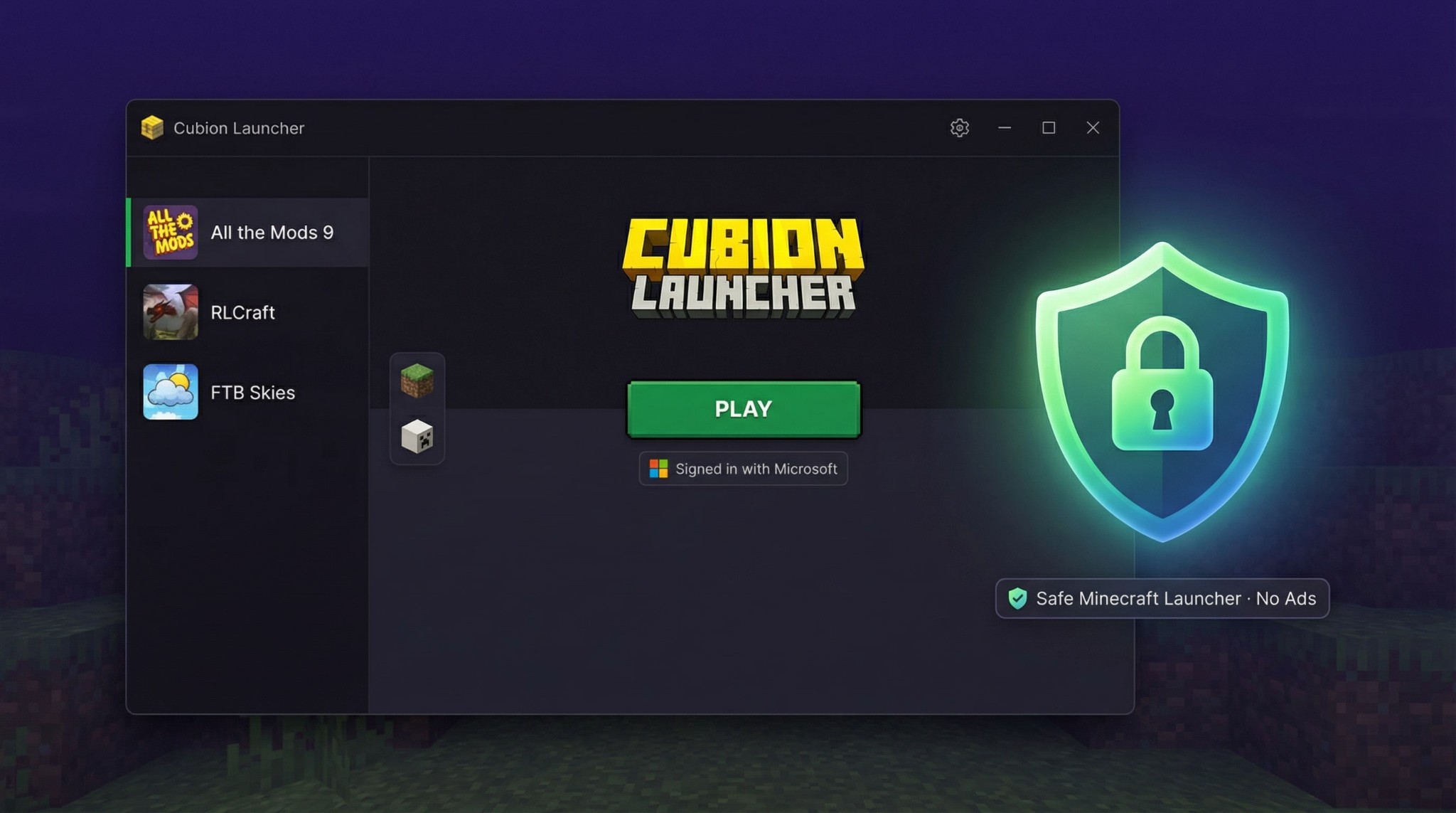
Cubion is a desktop Minecraft launcher for modpacks and mods that uses the official Microsoft / Mojang login. This page explains why Cubion is safe to download and how to verify that you have the official installer.
Short answer: Cubion is safe to use when you download it from the official website cubion.io and keep your antivirus enabled. The launcher does not support cracked accounts, does not ask for your password directly and does not bundle extra software or ads.
Official Microsoft / Mojang login only
No cracked or "no-premium" accounts
Download only from cubion.io
We do not distribute Cubion on random file-sharing sites
No bundled software, no ads
Clean launcher experience inside
Built for modded Minecraft
Installs modpacks and game files only where you tell it to
What "safe" means for a Minecraft launcher
When players ask "Is Cubion safe?" or "Is this Minecraft launcher a virus?", they usually worry about three things:
Account safety
Can someone steal my Microsoft / Mojang account?
Malware and viruses
Is the launcher itself malicious?
Privacy and control
What does the launcher do on my PC and what data does it collect?
Cubion is designed as a safe Minecraft launcher for modpacks and mods. It uses the official sign-in flow for your account, installs game files in known folders and gives you clear control over what is installed and where.
How Cubion protects your Minecraft account
The most important part of a safe Minecraft launcher is how it handles your account.
Official Microsoft / Mojang login only
Cubion sends you through the official Microsoft / Mojang sign-in flow in your browser. You sign in on a Microsoft or Mojang page, not inside a random password window.
Cubion never asks for your password directly
The launcher does not ask you to type your Microsoft / Mojang password into a custom form. Your credentials are handled by the official login system, and Cubion receives a secure token to start the game.
No cracked or "no-premium" accounts
Cubion does not support cracked accounts. This reduces the risk of password-stealing launchers and keeps your account on the official platform.
No fake login screens
Cubion does not inject its own login screens into the Microsoft / Mojang flow. If you ever see a suspicious login window that does not look like the usual Microsoft / Mojang page, cancel and contact support immediately.
If you want a safe Minecraft launcher that respects your Microsoft / Mojang account, Cubion is built around official-only login and secure authentication.
Why you may see antivirus or SmartScreen warnings
Even safe software can sometimes trigger Windows SmartScreen or antivirus warnings, especially when it is new or updated frequently.
Reputation-based warnings
Windows and some antivirus tools use "reputation" systems. A new installer that has not yet been downloaded by many users may show a generic warning like "Windows protected your PC" or "Unknown publisher", even if the file itself is clean.
Generic messages, not proof of a virus
These messages do not automatically mean that Cubion is malware. They usually mean "this file is new" or "we don't know this file yet".
Never ignore warnings blindly
You should never ignore security warnings without checking. Use the steps below to verify that you downloaded the official Cubion installer before continuing.
How to verify you're installing the official Cubion
If you see a warning or simply want to be extra careful, follow these steps to verify that your Cubion download is legitimate.
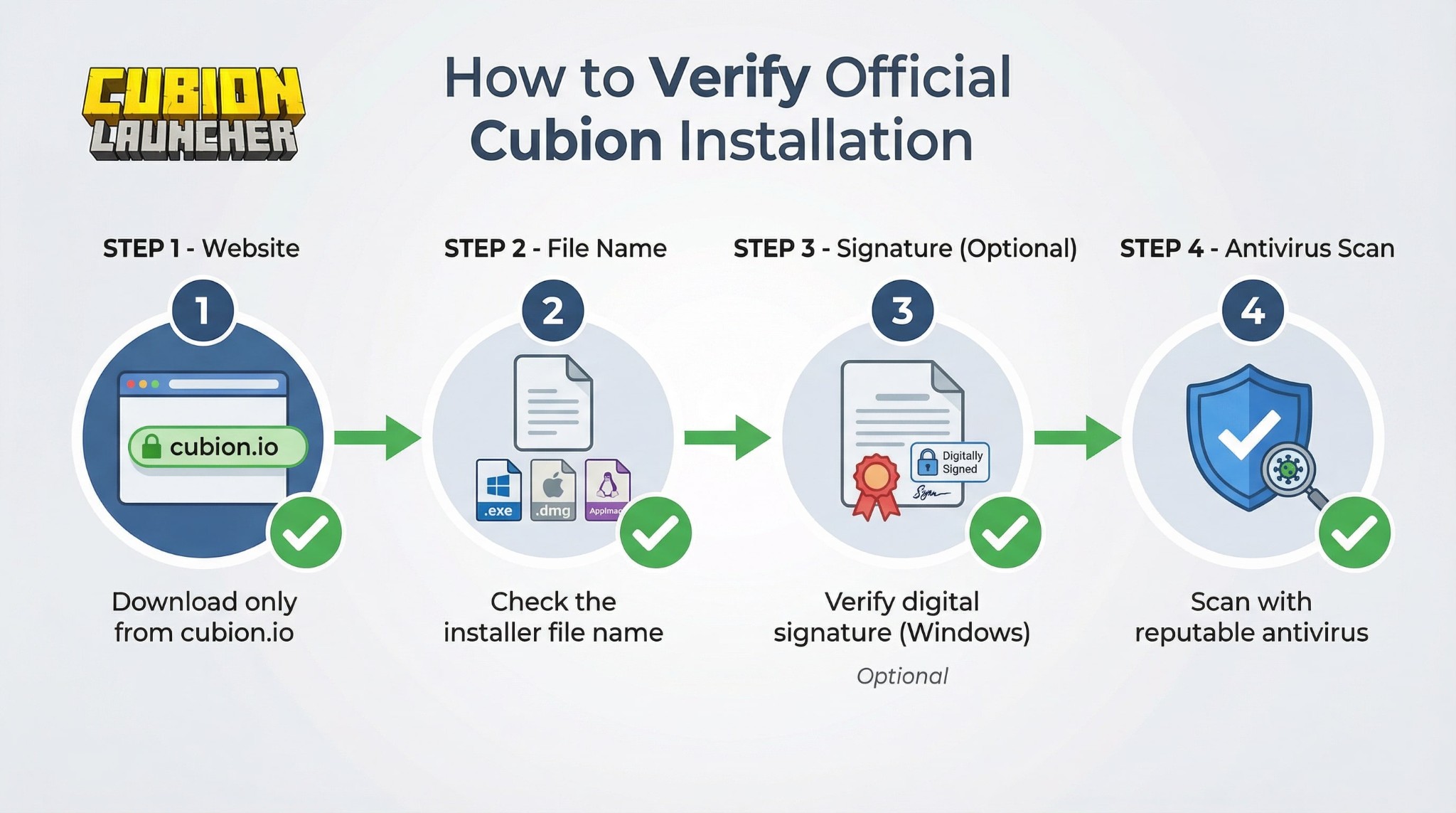
Step 1 – Download from the official website
Always download Cubion from the official website: https://cubion.io/
✓ Official download link:
https://cubion.ioStep 2 – Check the file name and location
After downloading, check that:
Expected file names:
- • Windows:
Cubion-Setup.exe - • macOS:
Cubion.dmg - • Linux:
Cubion.AppImage
Step 3 – (Optional) Check the digital signature
If you are on Windows and Cubion uses a code signing certificate, you can check the digital signature:
⚠ Warning:
If the signature looks wrong, missing or invalid, do not run the file and contact support.
Step 4 – Scan with your antivirus
Before installing, you can manually scan the file:
What Cubion does (and does not do) on your PC
To be transparent, here is what Cubion normally does on your system when you install and use the launcher.
Cubion does:
- • Install the launcher application to your chosen location
- • Create folders for Minecraft instances and modpacks
- • Download Minecraft versions, modpacks, mods and assets from official or trusted modding sources
- • Connect to the internet to authenticate with Microsoft / Mojang, download updates, and download or update modpacks and mods
Cubion does not do:
- ✗ Does not support cracked or stolen accounts
- ✗ Does not install third-party toolbars, adware or bundled software
- ✗ Does not inject ads into your game
- ✗ Does not secretly install drivers, kernel modules or system services unrelated to Minecraft
If Cubion uses optional crash reports or anonymous analytics, these are clearly described in the settings, and you can disable them if you prefer more privacy.
Antivirus and security best practices
Cubion is designed to work together with your existing security tools, not against them.
Keep your antivirus enabled
You do not need to turn off your antivirus to use Cubion. If something requires disabling protection, treat that as a red flag.
Keep your OS and antivirus updated
Security updates for Windows, macOS, Linux and antivirus software help protect your system from threats that have nothing to do with Cubion.
Download only from official sources
Launchers that are repacked, cracked or modified by third parties are a common way to spread malware. Always prefer the original Cubion installer from cubion.io.
Be careful with mods from untrusted sources
Cubion helps you install modpacks from CurseForge and Modrinth, which are well-known modding platforms. If you manually add mods from random sites, always treat them with the same caution as any other executable file.
How to uninstall Cubion safely
If you ever want to remove Cubion, you can uninstall it like any other desktop app.
On Windows
Use "Apps & Features" or "Add or Remove Programs" to uninstall Cubion, then optionally delete any remaining Cubion folders containing instances and modpacks.
On macOS
Drag the Cubion app to the Trash, then optionally delete the Cubion data folder in your user directory if you want to remove instances and modpacks.
On Linux
Delete the AppImage file or remove the package, then remove the Cubion data directory if you want to free up disk space.
Uninstalling Cubion does not affect your Microsoft / Mojang account or the official Minecraft launcher.
FAQ – Is Cubion safe?
Q: Is Cubion a virus?
A: No. Cubion is not a virus. It is a desktop Minecraft launcher for modpacks and mods. It uses the official Microsoft / Mojang sign-in flow and focuses on installing and managing Minecraft instances, modpacks and mods. If you downloaded Cubion from the official website cubion.io and your antivirus shows it as clean, it is safe to use.
Q: Why does Windows say "Windows protected your PC" when I open the installer?
A: Windows SmartScreen may show this message for new or less common files, even when they are safe. It does not automatically mean that the file is malicious.
Before you continue, make sure that:
- you downloaded the installer from https://cubion.io/;
- the file name matches the one shown on the download page;
- your antivirus scan shows the file as clean.
If something looks suspicious, do not ignore the warning and contact support instead.
Q: Is Cubion safe for my Microsoft / Mojang account?
A: Yes, as long as you use the official sign-in flow. Cubion never asks for your password directly and does not support cracked accounts. You sign in on a Microsoft / Mojang page, and Cubion receives a secure token to start the game. Always be careful with any launcher that asks you to enter your password into an unknown login window.
Q: Is Cubion legal and allowed to use with Minecraft?
A: Yes. Cubion is a Minecraft launcher for modpacks and mods that uses the official Microsoft / Mojang authentication system and is built to follow the Minecraft EULA and Usage Guidelines.
Cubion is a separate launcher from the default Minecraft launcher that comes from Mojang, but it is designed for players who own a legitimate copy of Minecraft and want an easier way to play modded Minecraft with official login, one-click modpacks and no ads.
You are still responsible for following the Minecraft EULA and the terms of any servers, services or marketplaces you use together with Cubion.
Q: Does Cubion collect my personal data?
A: Cubion needs some basic information to function, such as your Minecraft profile data and the list of installed instances on your PC. The launcher does not need your raw password.
If Cubion uses optional crash reports or anonymous usage statistics, these are:
- clearly described in the settings or privacy policy;
- used to improve stability and performance;
- optional and can be disabled if you prefer.
For full details, please read the Privacy Policy linked from the launcher and the website.
Q: Where should I download Cubion to stay safe?
A: To stay safe, always download Cubion from the official website https://cubion.io/. Avoid "repack" versions or modified launchers from sites you do not trust. If you are not sure whether a download is official, contact the Cubion team before running the file.
Q: How can I report a security issue with Cubion?
A: If you think you've found a security issue, suspicious behaviour or a fake Cubion installer, please contact us immediately using the support email or contact form on cubion.io. Include as much detail as possible (where you downloaded the file, screenshots, antivirus messages) so we can investigate quickly.
Want a safe Minecraft launcher for modpacks and mods?
Download Cubion from the official website and start playing modded Minecraft with official login and no ads.
Download Cubion Minecraft Launcher